
Cash
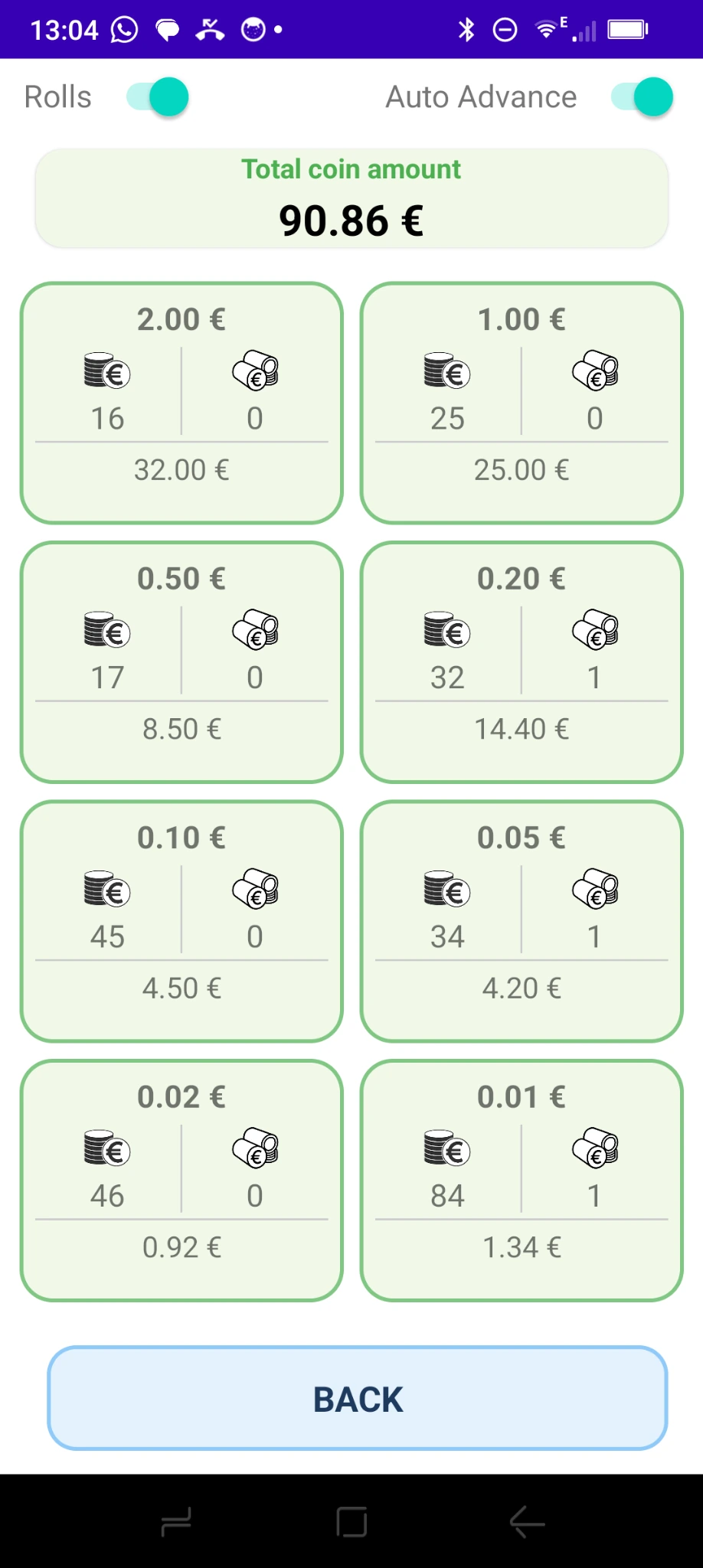
Quantities by denomination, automatically valued.
Coins
Coin rolls
Banknotes
Your entire cash register, free of charge and without extra equipment.
Coins, coin rolls, banknotes, cards, cheques and vouchers: enter your transactions directly on Android. Monetec calculates amounts and brings results together. Manual entry is completely free: just download the Monetec app.
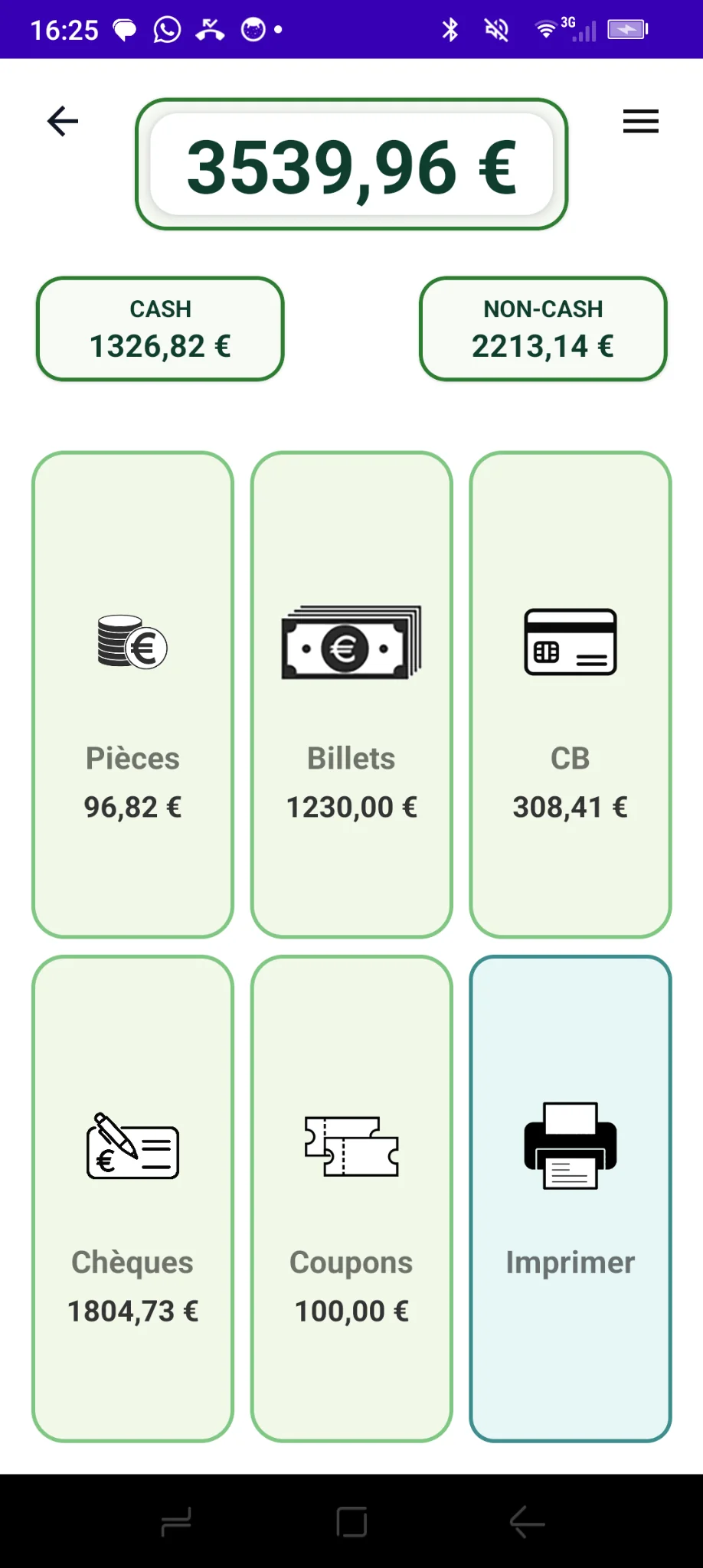
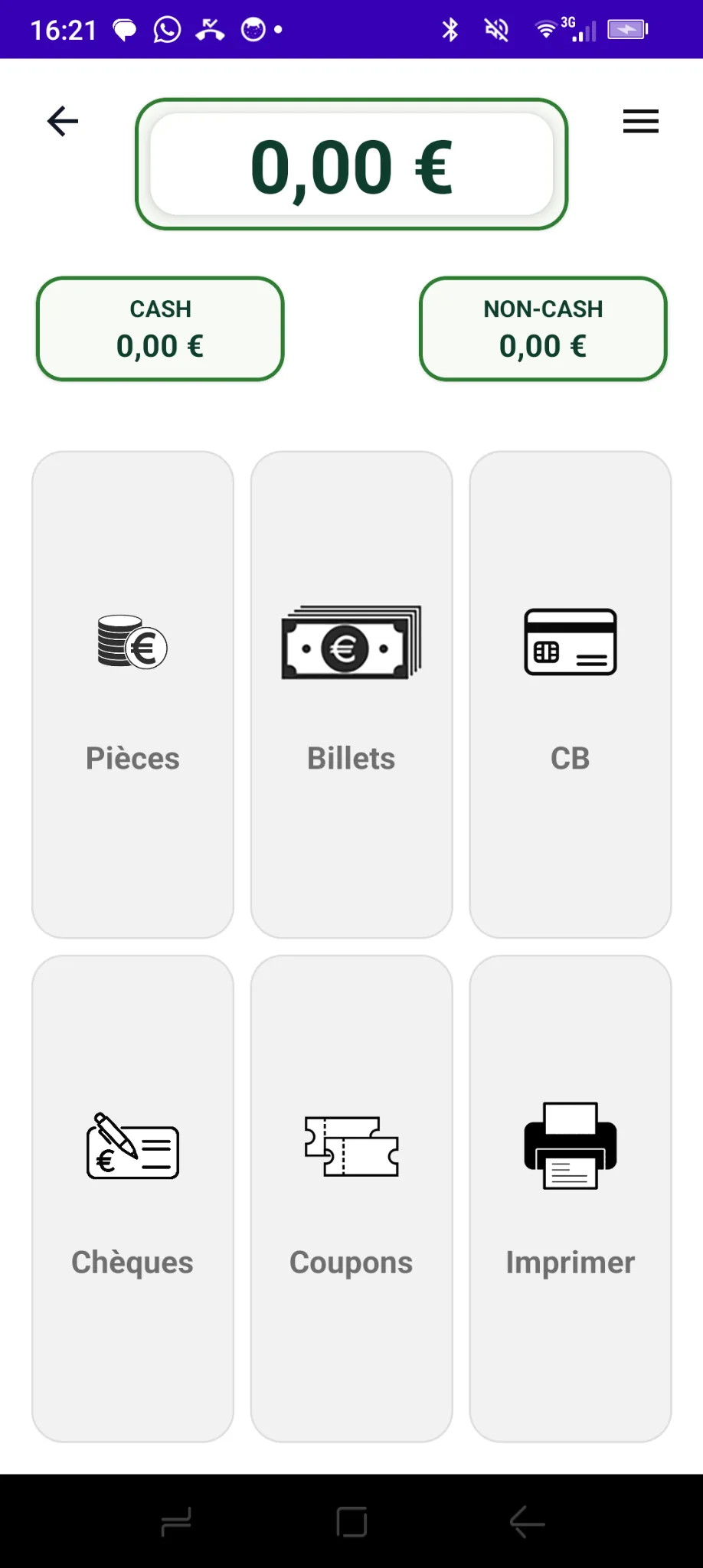
Entry fields suited to each payment type, with separate totals for cash and other payments.
Quantities by denomination, automatically valued.
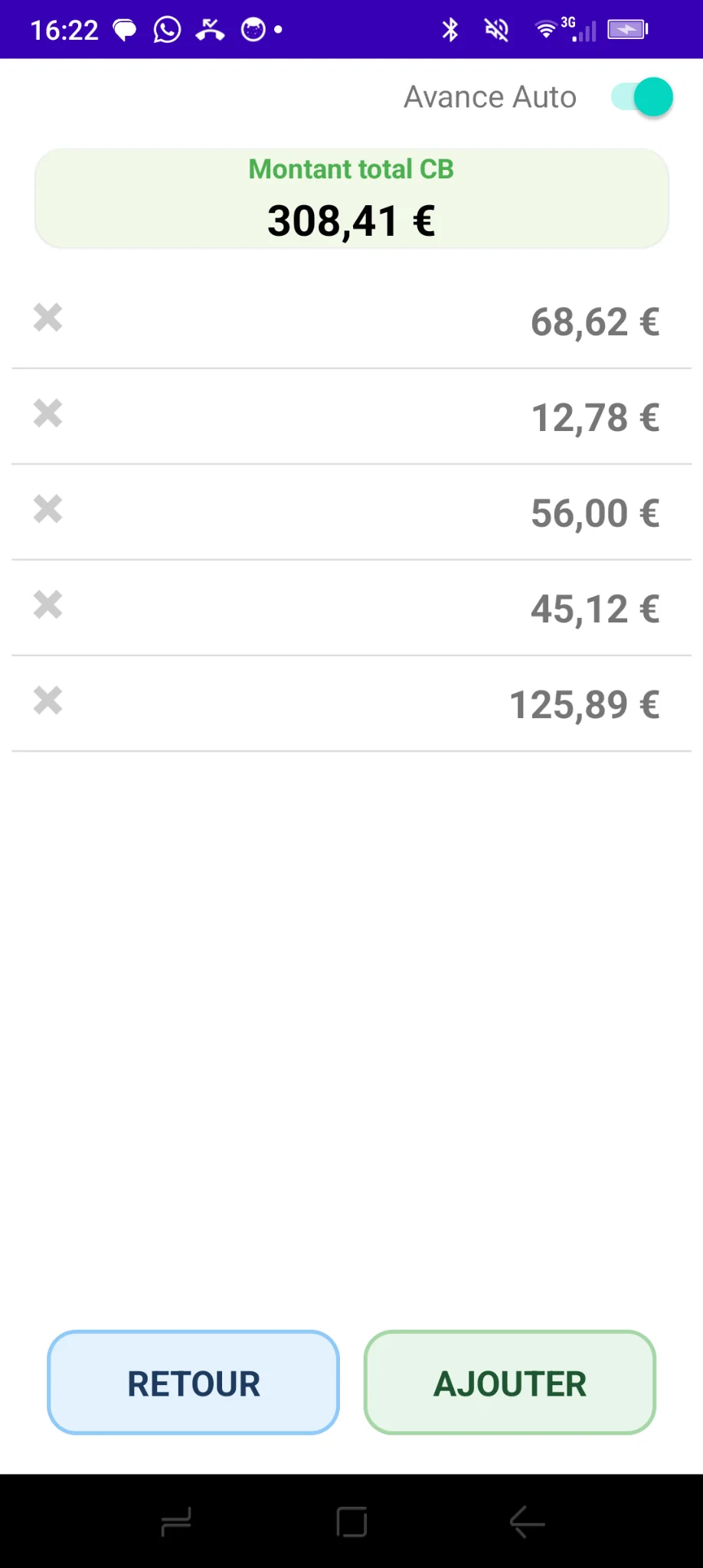
Individual amounts combined into one total.
Enter everything directly in Monetec, without connected counting equipment.
Coins, banknotes, cards, cheques or vouchers: open the appropriate entry screen.
Enter the number of coins, rolls or banknotes, or add each non-cash payment.
Cash and non-cash subtotals are automatically added to a printable grand total.
 French screenshot · App in English
 French screenshot · App in English
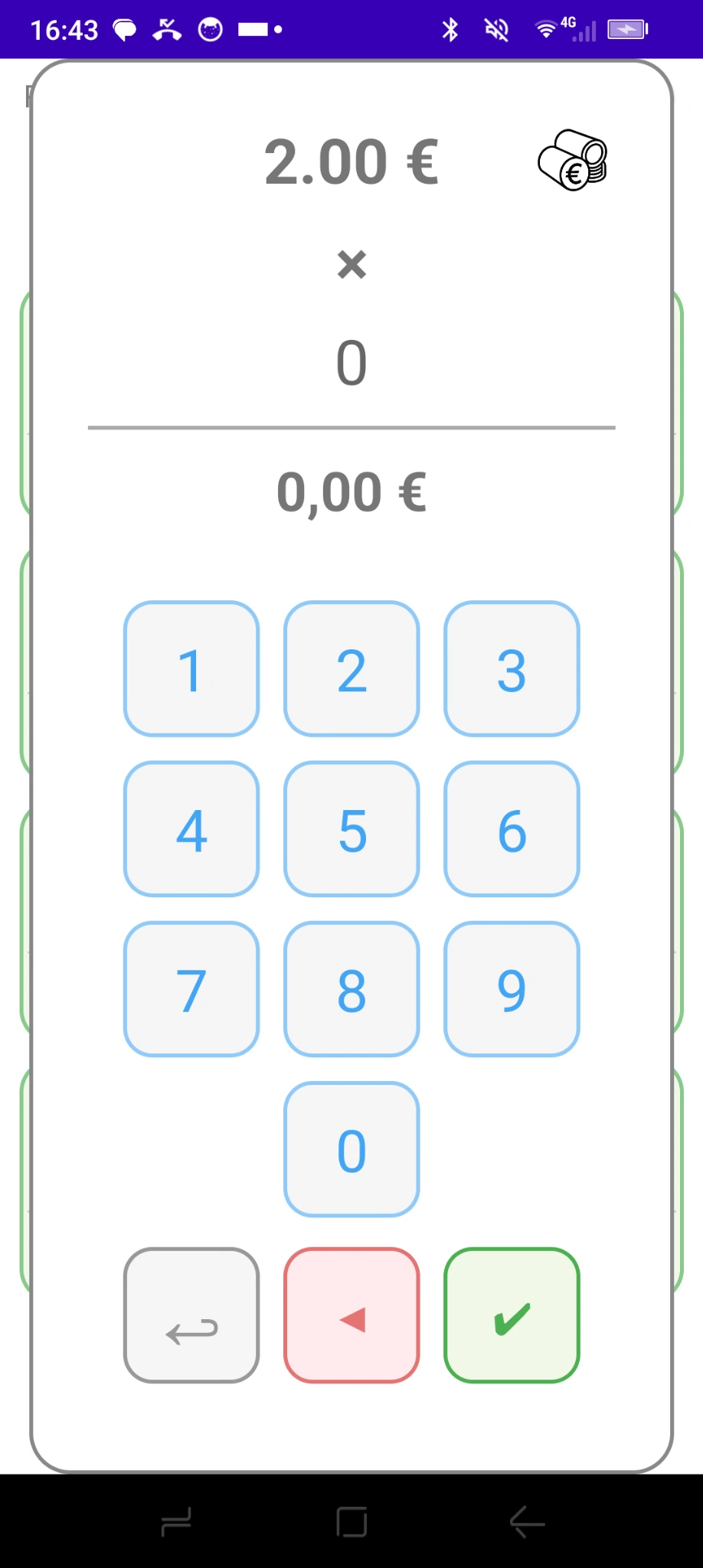
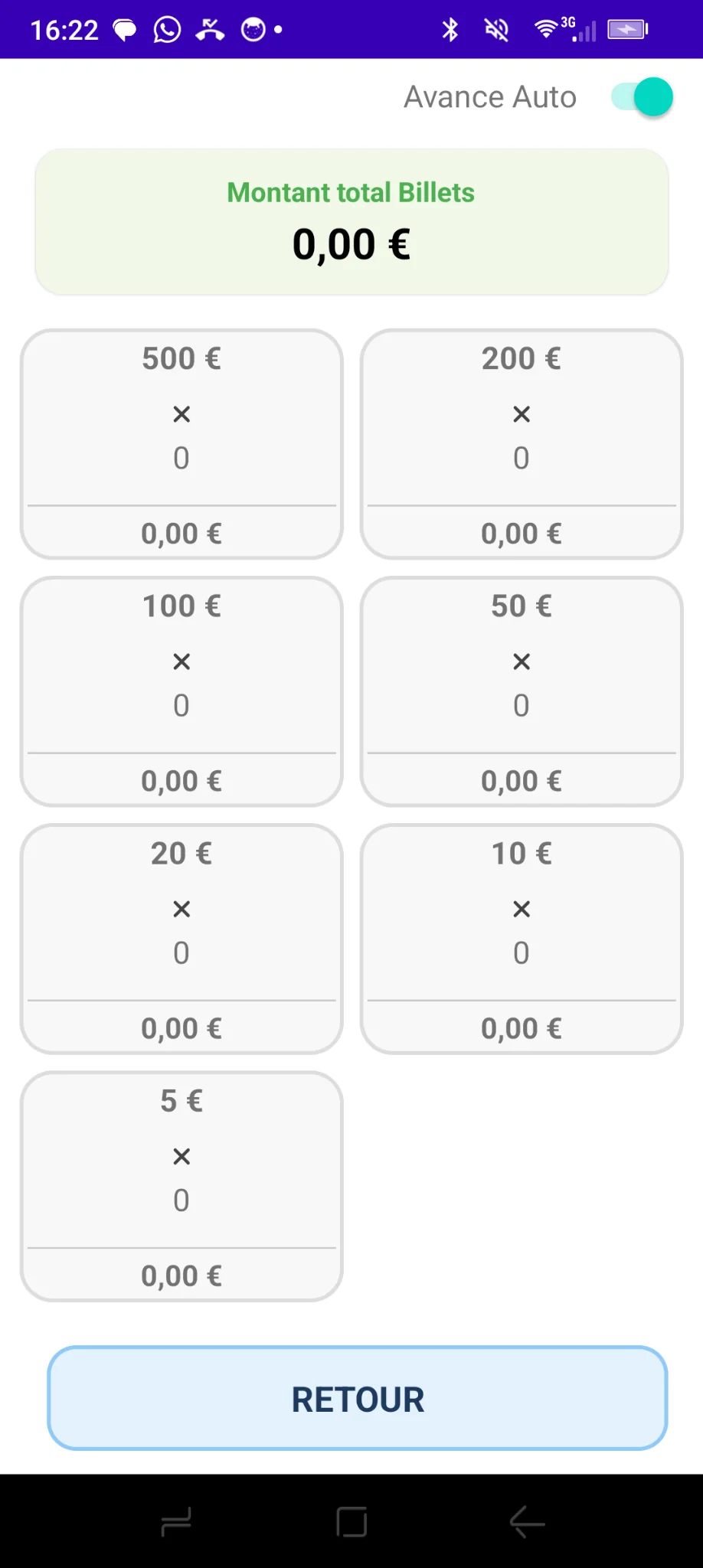
Select a denomination and enter the quantity; Monetec calculates the amount. Enable coin-roll handling if needed.
 French screenshot · App in English
 French screenshot · App in English
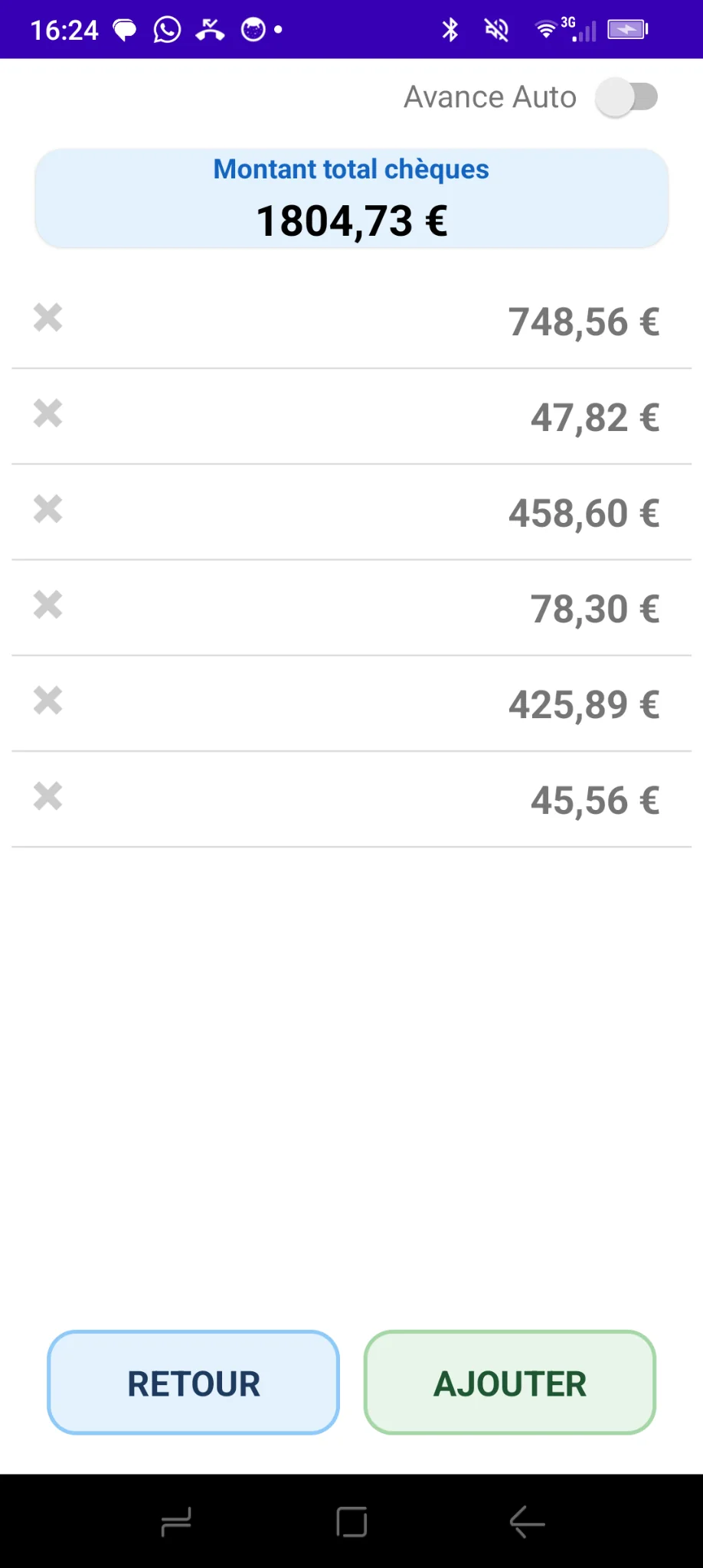
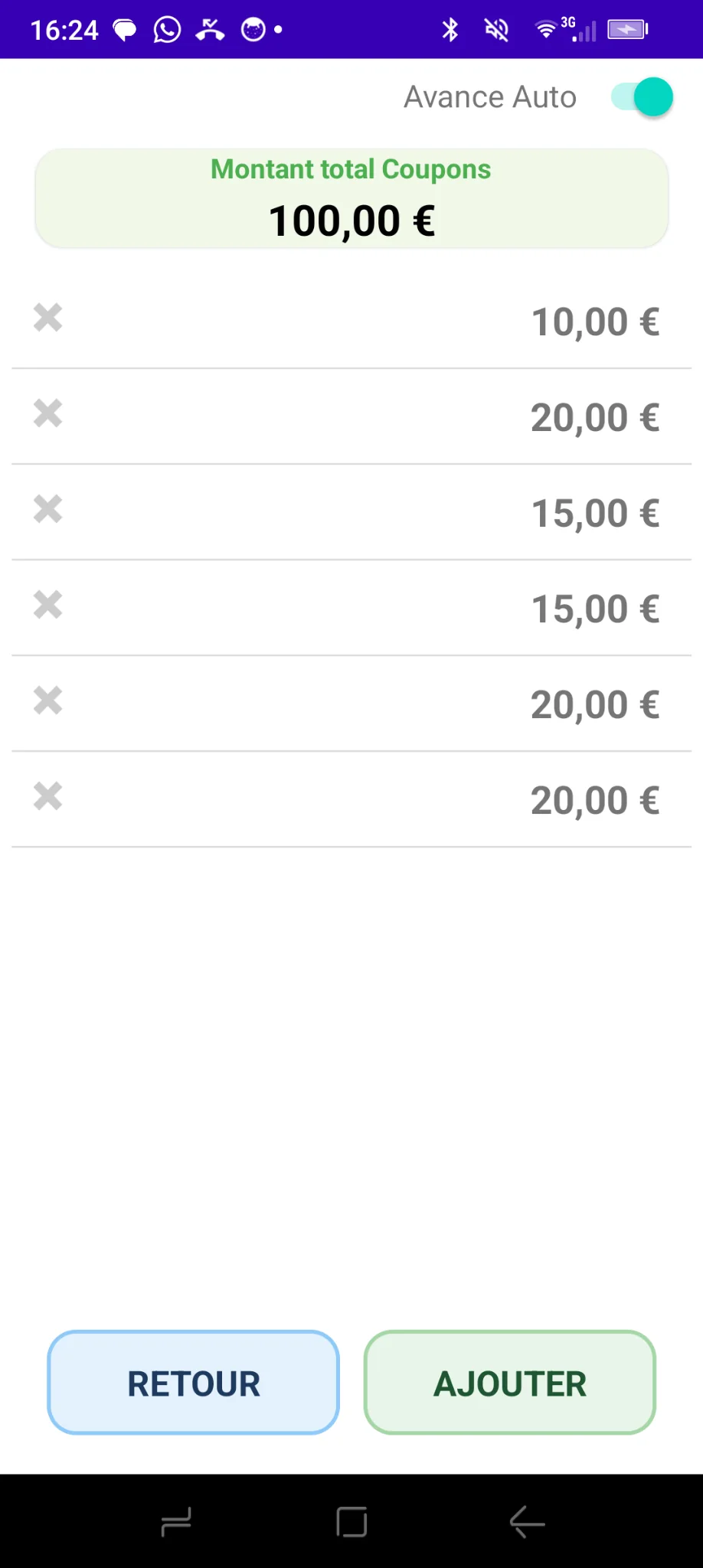
Add amounts for card payments, cheques and vouchers. Each category has its own total and transaction list.
French screenshot · App in English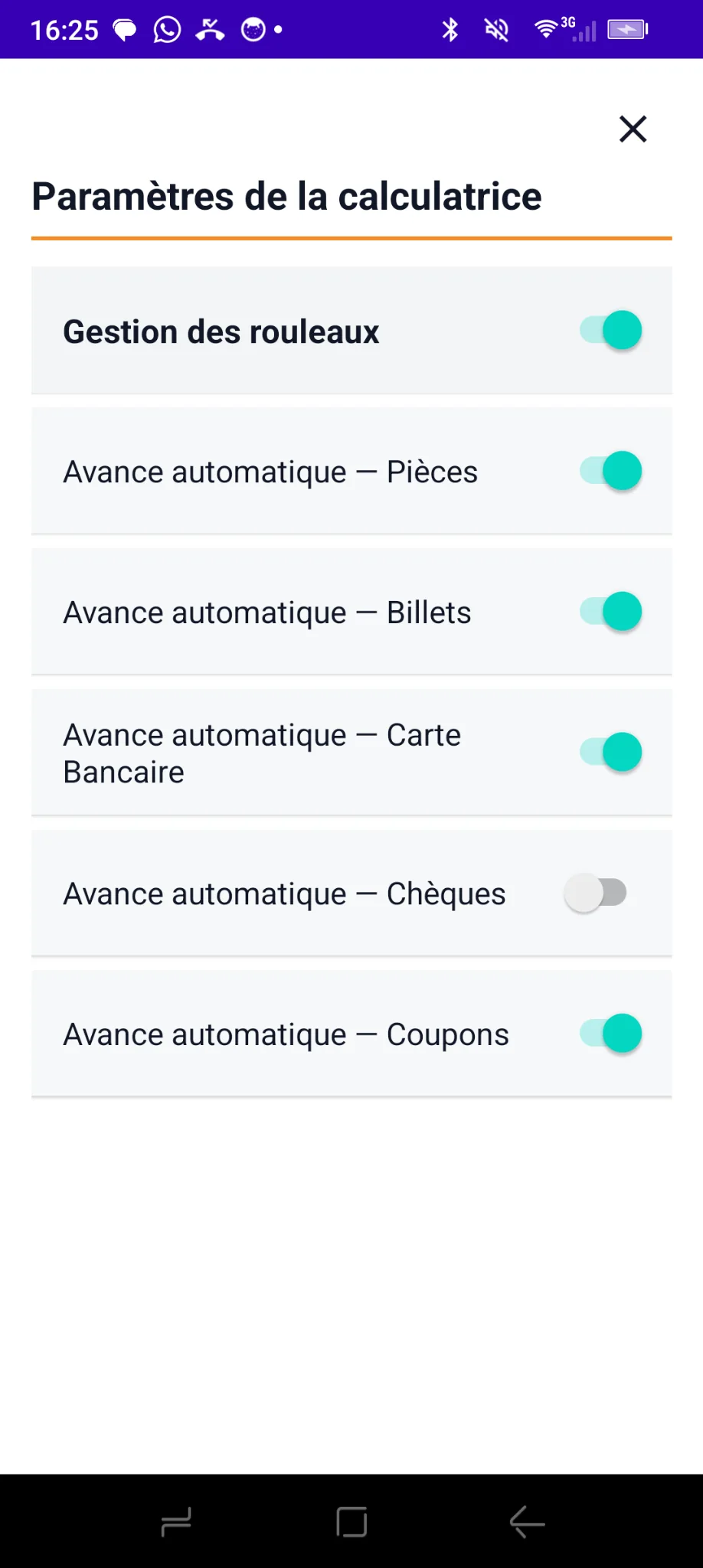 French screenshot · App in English
View each category amount plus cash, non-cash and grand totals on one screen. Enable automatic advance for faster repeated entry.
Screenshots from the Android app, not mock-ups or invented interfaces.
 French screenshot · App in English
 French screenshot · App in English
 French screenshot · App in EnglishFrench screenshot · App in English
No extra equipment to buy and no subscription required for manual entry. Simply download Monetec on your Android device and start counting your cash.
Download Monetec for free ↗