
Your own logo
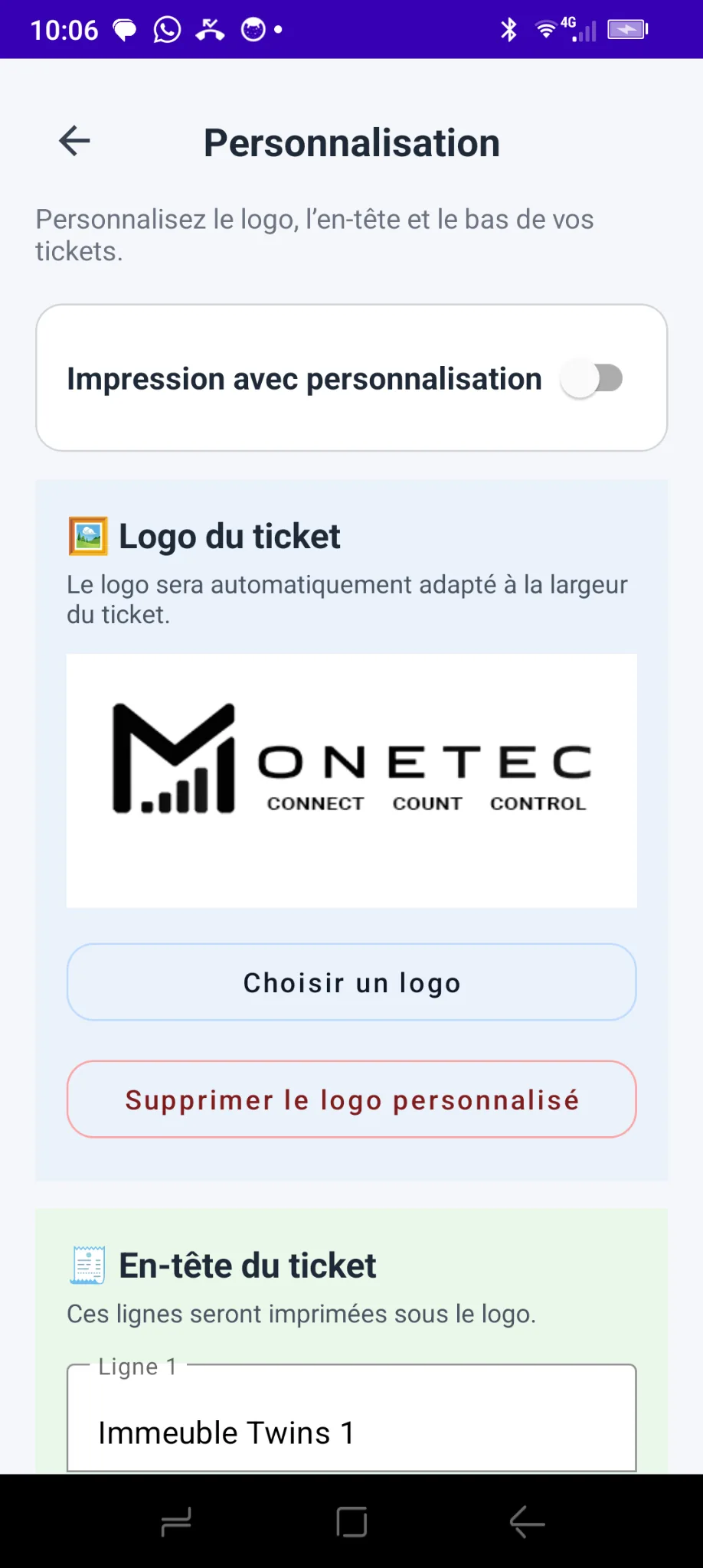
Replace the Monetec logo with your business logo. The image automatically fits the receipt width.
Add your logo, contact details and custom information to counting receipts. A professional presentation, straight from Monetec.
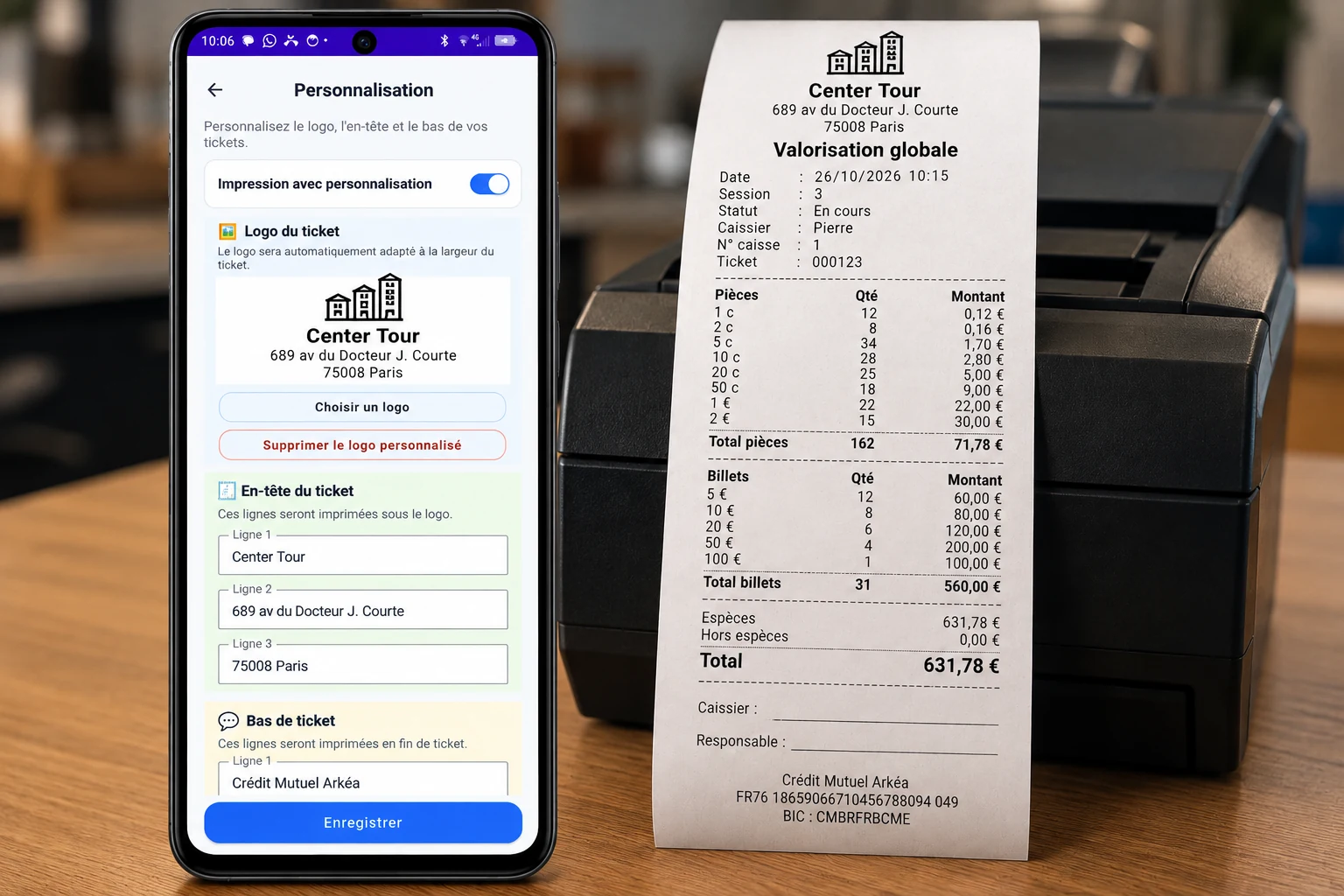
Your business logo and chosen text appear alongside the usual counting information.
Replace the Monetec logo with your business logo. The image automatically fits the receipt width.
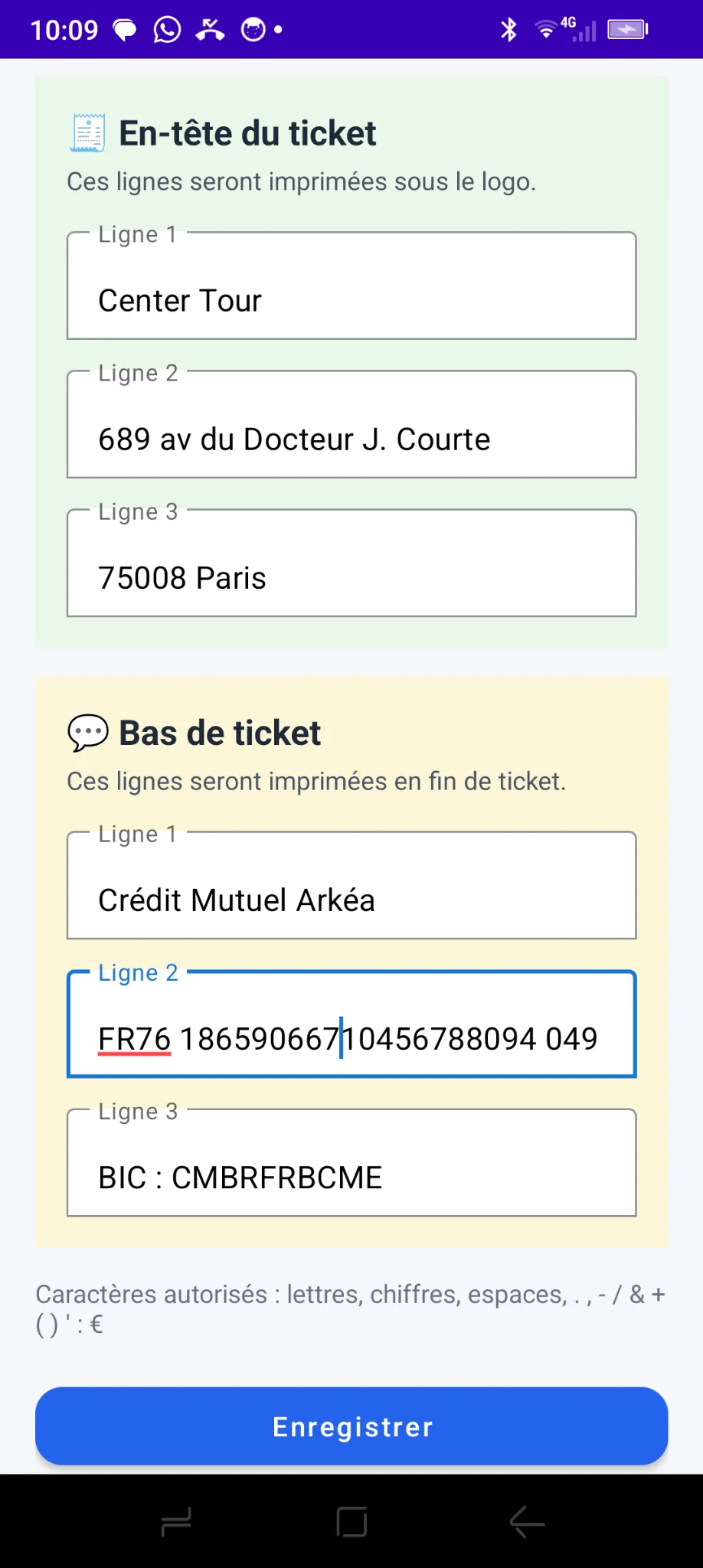
Display your business name, address or other useful information below the logo.
Add contact details, a message or any desired notice at the bottom of your receipts.
Choose your logo and fill in the header and footer fields. Monetec saves the information in its settings.
Enable or disable customization whenever you need.
6 customizable text lines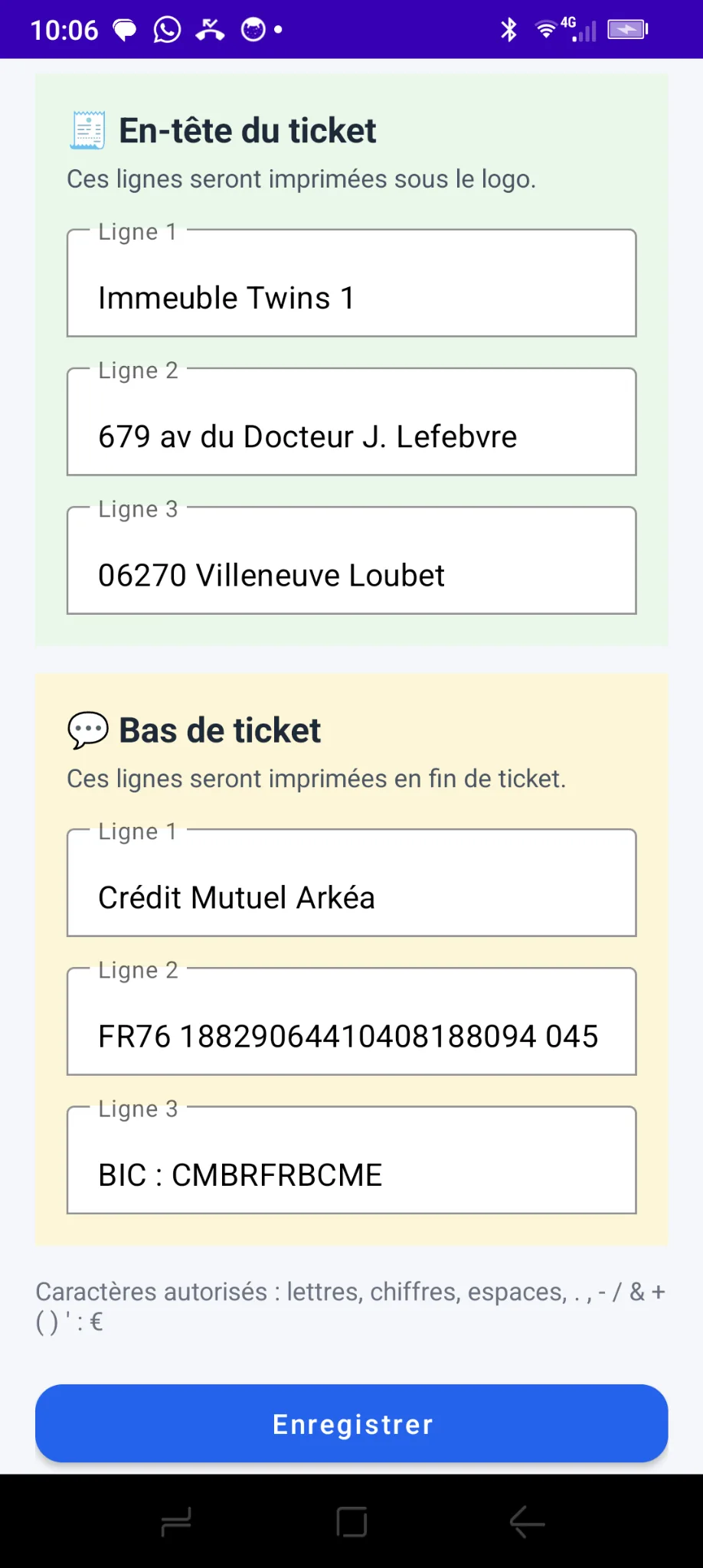
Here is an example of text entered in Monetec to customize receipt headers and footers.
Receipt customization is included in the Commerce Pack Monetec.
It can also be used with MoneCup-supported printing, depending on the printer.
Explore Commerce Pack
A logo, company details and custom messages: configure it all directly in Monetec.