
Choose recipients
Manager, head office, accounting: set up to three addresses and adapt delivery to your business.
Send count and cash-round results to the recipients you choose. Up to three contacts, each with individual delivery preferences.
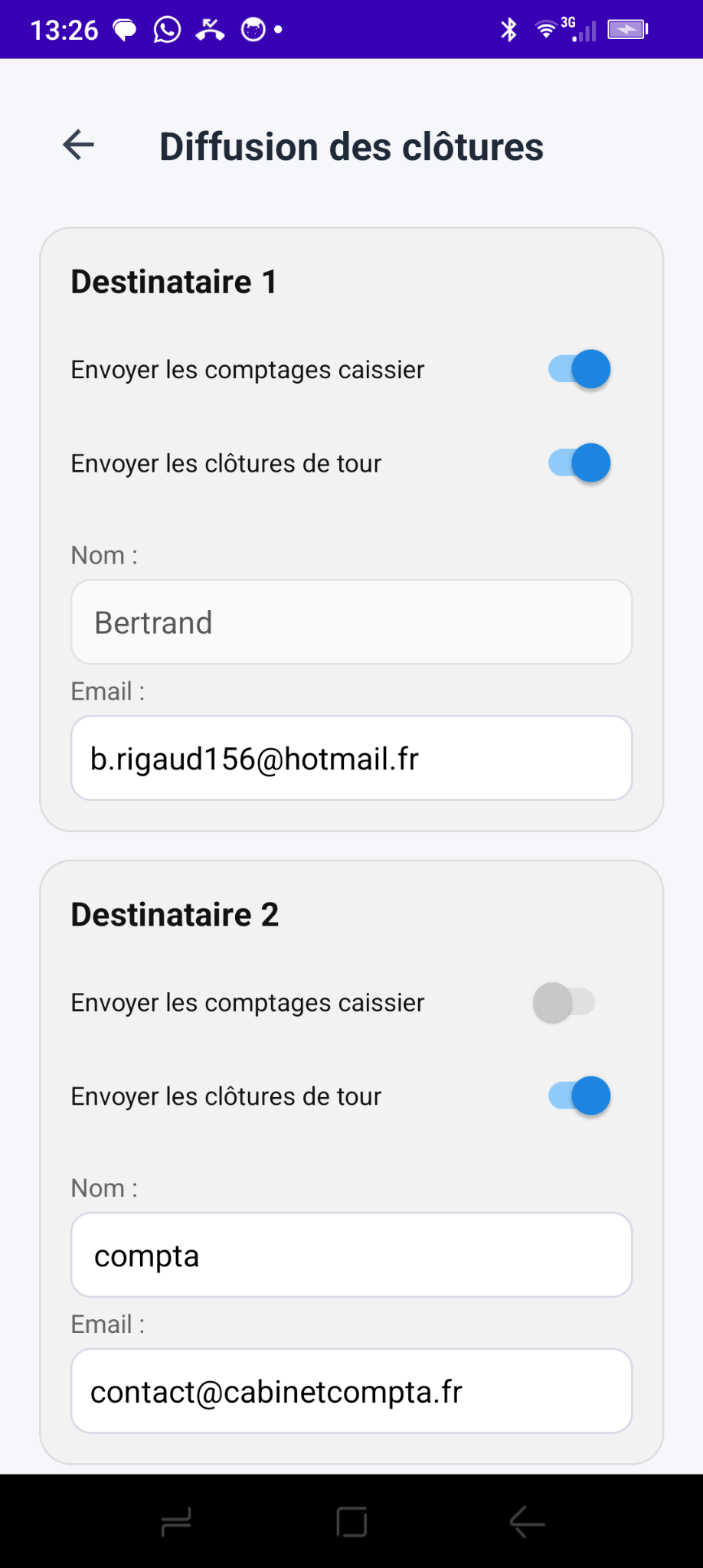
Enter up to three names and email addresses. Select cashier counts and round summaries separately for each contact.
Manager, head office, accounting: set up to three addresses and adapt delivery to your business.
Two independent switches define the reports each recipient gets: cashier counts, round closings, or both.
When a count is closed, the data is prepared for selected addresses without manually sharing from Android.
Management can be informed of every individual count while accounting receives only round summaries. A third recipient can have separate settings.
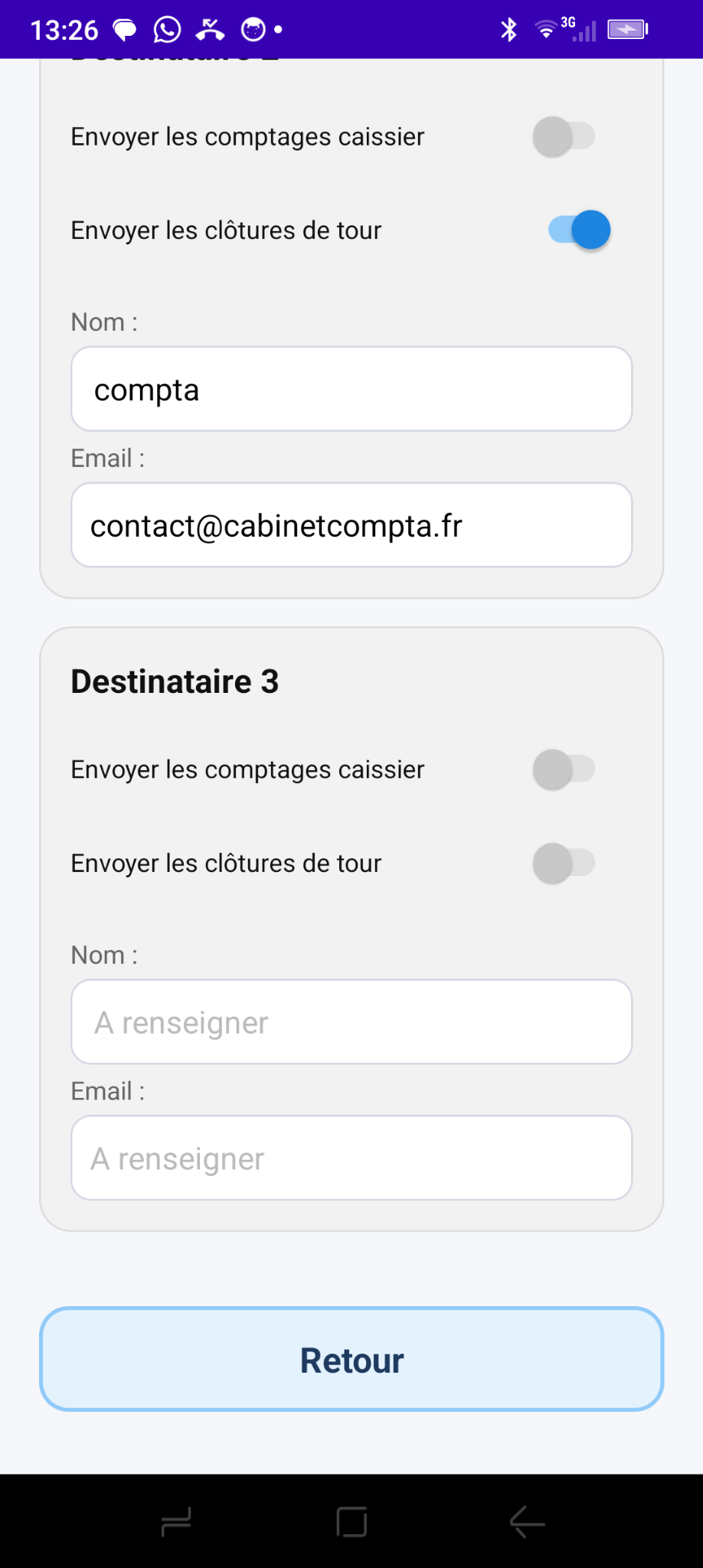
Choose the level of detail that matches each team member's role.
When a count is closed, Monetec gathers the amounts and prepares delivery to authorized recipients.
A combined round report detailing cash and other payments, identifying registers and cashiers, and showing count status.
Round reports are prepared as CSV files and sent to the Monetec server for processing. Individual reports follow their own distribution process.
Distribution is linked to closings: teams do not have to compile a report manually for each recipient.
Count data is saved and assembled into the relevant report.
Only addresses with delivery enabled are included.
The report is submitted to the Monetec infrastructure. Unconfirmed transmissions may be kept for another attempt.
Set up recipients once, then let Monetec prepare cash reports for your team and accountants.