
Separate accounts
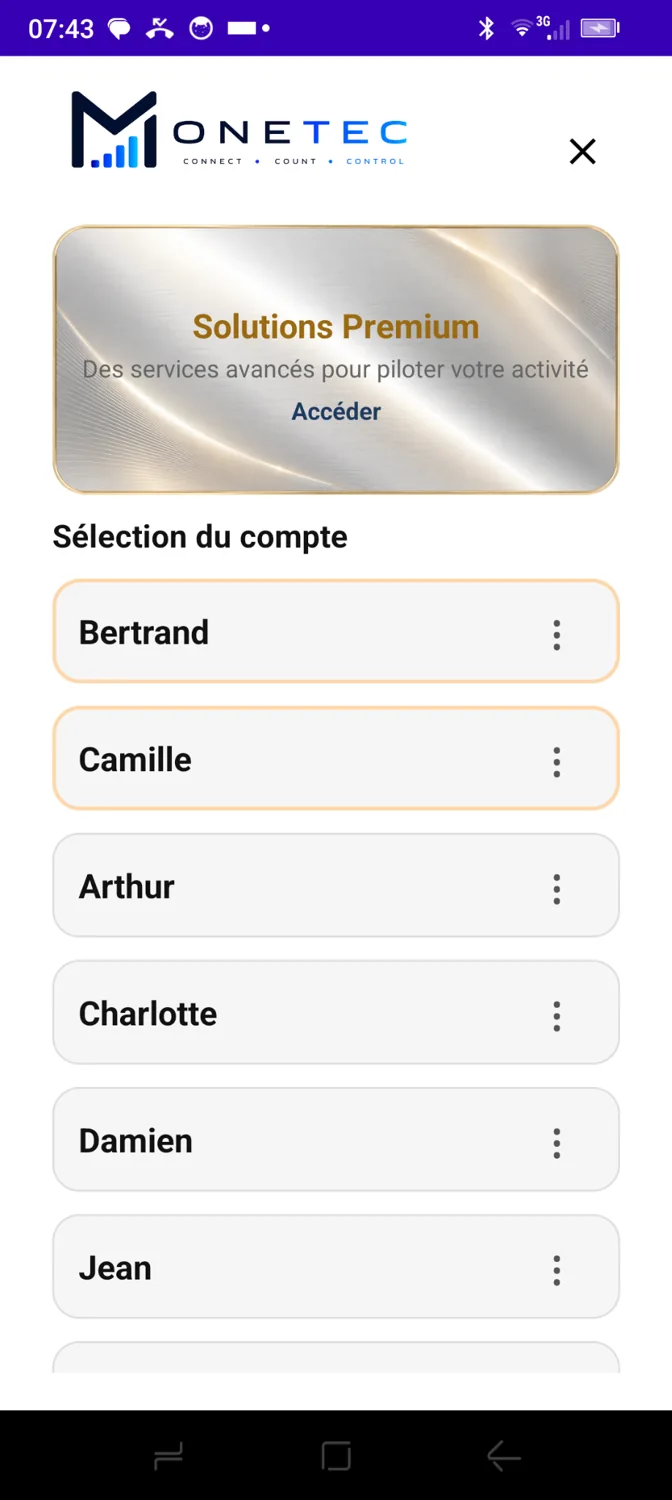
Each cashier selects their profile from the list. Administrators also have identifiable accounts.
Each team member has their own account. Administrators manage access and permissions, all within a single app.
 French screenshot · App in English
One device can offer multiple accounts, with individual identification before counting.
Each cashier selects their profile from the list. Administrators also have identifiable accounts.
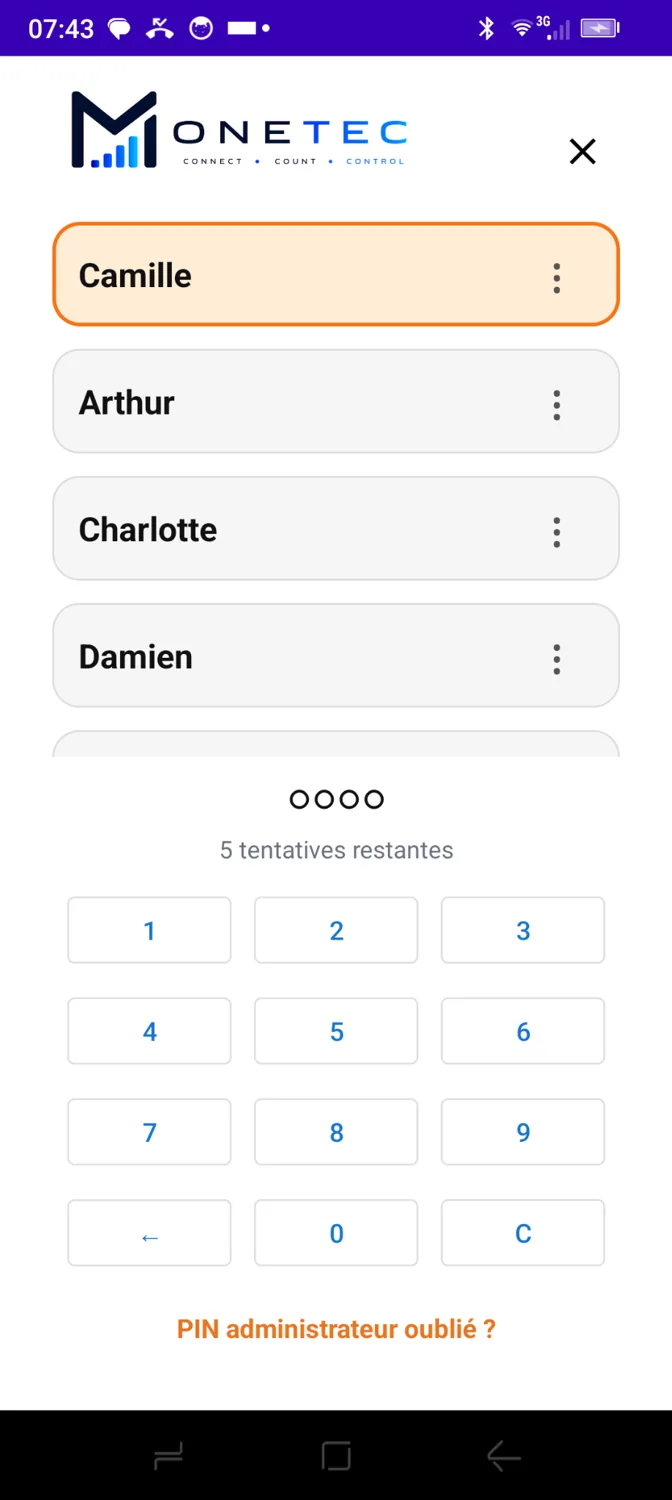
Each account can be protected by a four-digit PIN. The PIN can also be removed for faster, simpler access.
Cashiers handle their own counts. Administrators also have management, configuration and authorisation privileges specific to their role.
Every user has an identifiable account. Administration rights organise access without preventing administrators from performing their own counts.
Designed for daily counting operations.
Includes cashier features plus additional user-management privileges.
A PIN provides individual protection for accounts. But it is not technically required: an account whose PIN has been removed can be accessed without this check.
 French screenshot · App in English
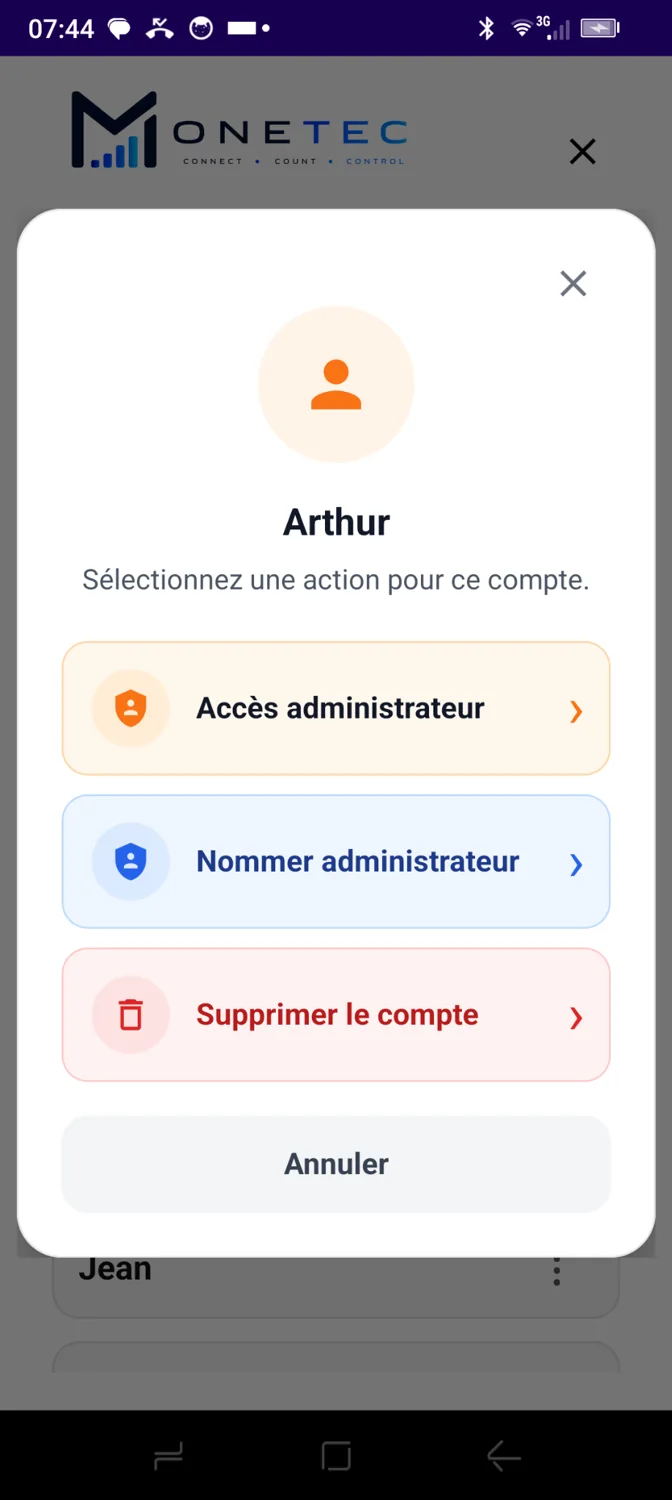
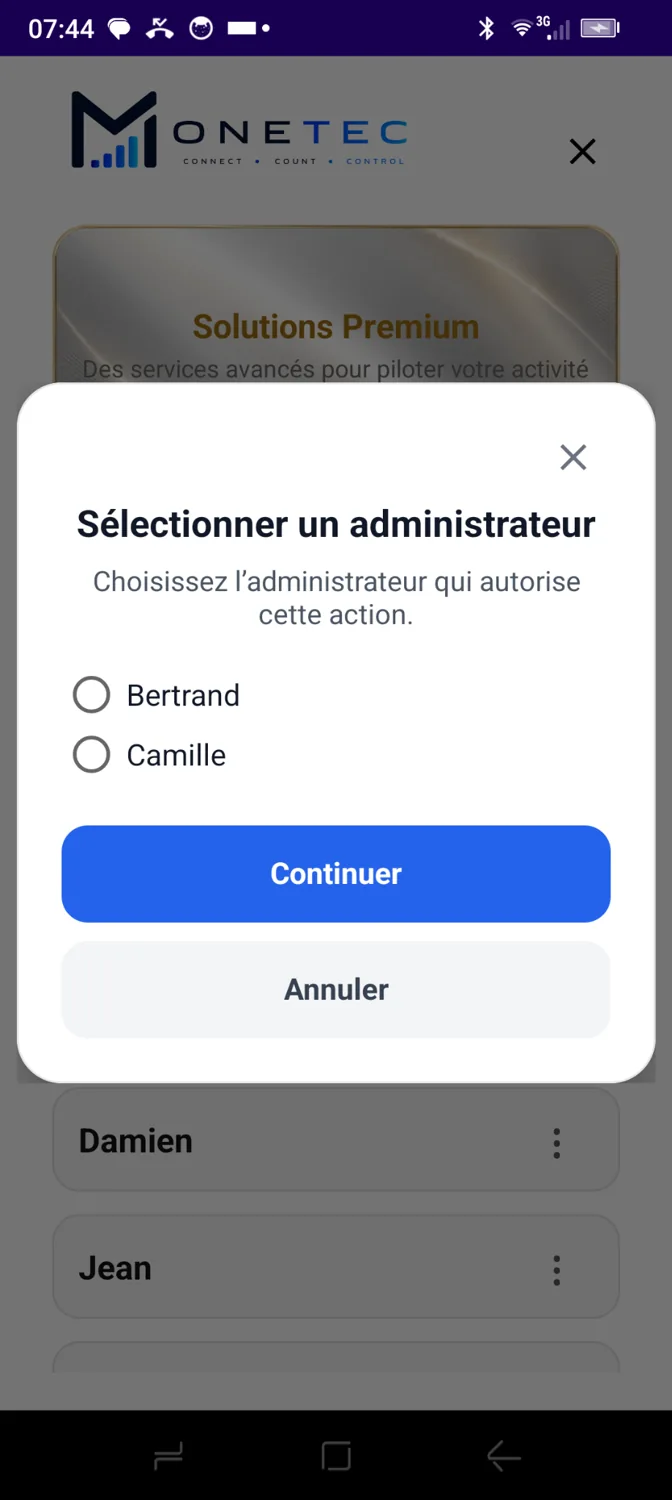
An administrator can appoint a cashier as administrator or remove an existing administrator's privileges, after validation by an authorised administrator account.
 French screenshot · App in English
 French screenshot · App in English
Change a cashier's role with confirmation and administrator approval.
Return an administrator account to the cashier role while retaining at least one administrator.
Add new accounts or deactivate a cashier account using authorised actions.
For establishments and networks with many employees, the Network Pack enriches cashier profiles with individual information, making identification, searching and management in Monetec Cloud easier.
Explore Premium solutionsFrom choosing an account to assigning administrator rights, Monetec makes teamwork easier while distinguishing access and responsibilities.