
Sign-in starts on the Monetec Cloud portal using your account details.
Monetec Cloud · Network Pack · Security
Two-factor authentication.
Two-factor authentication.
Access under control.
A password alone is not enough to authorize a sensitive Monetec Cloud sign-in. Confirmation on the associated Android device adds an extra check.
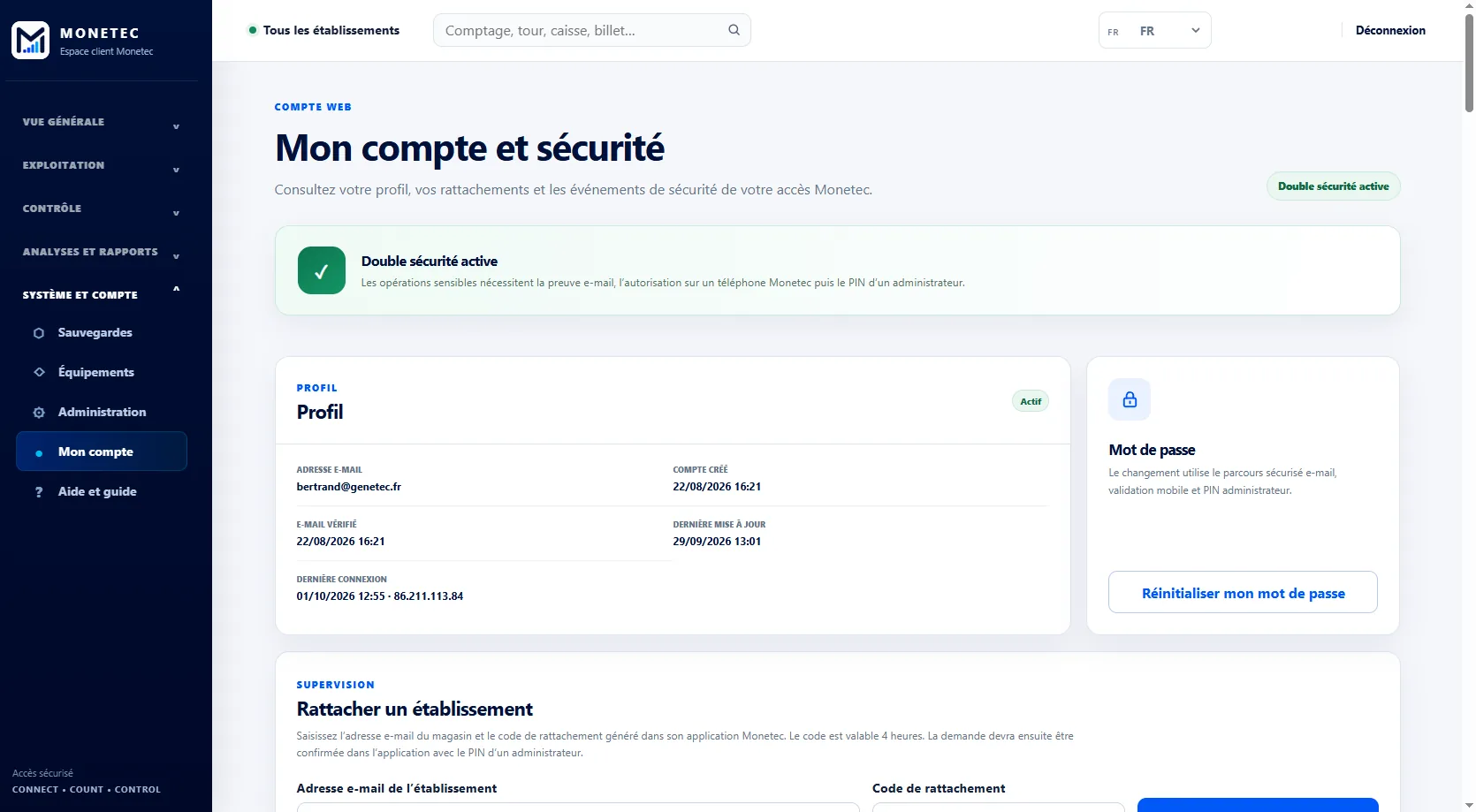
Your password is not the only key to your Cloud account.
An authorization request is sent to the associated Android device. Only an authorized administrator can approve it in the Monetec app.
When approval is required, a push notification is sent to the device associated with the account.
Access is approved in the Monetec app by an authorized administrator.
Security based on banking standards
Monetec Cloud uses a two-factor authentication principle similar to methods used by banks under the European PSD2 directive.
A password alone is insufficient: access also needs push approval on the Android device linked to the Monetec account. Only an authorized administrator with physical access to that device can approve sign-in.
Combining personal identification with approval on a trusted device significantly strengthens access protection for Monetec Cloud.
Access traceability
Review your login history
Beyond two-factor authentication, Monetec Cloud lets you review portal access information: successful and rejected sign-ins, dates, login environment and security-related account operations.
- Sign-in history and attempts
- Review sessions and access
- Track approvals and sensitive operations
Administration
Security tailored to your organization
Whether you manage a store, an area or a network, the same protections apply to relevant access. Each manager works with information within their authorized scope.
You retain visibility into available administration actions and security events related to your account.
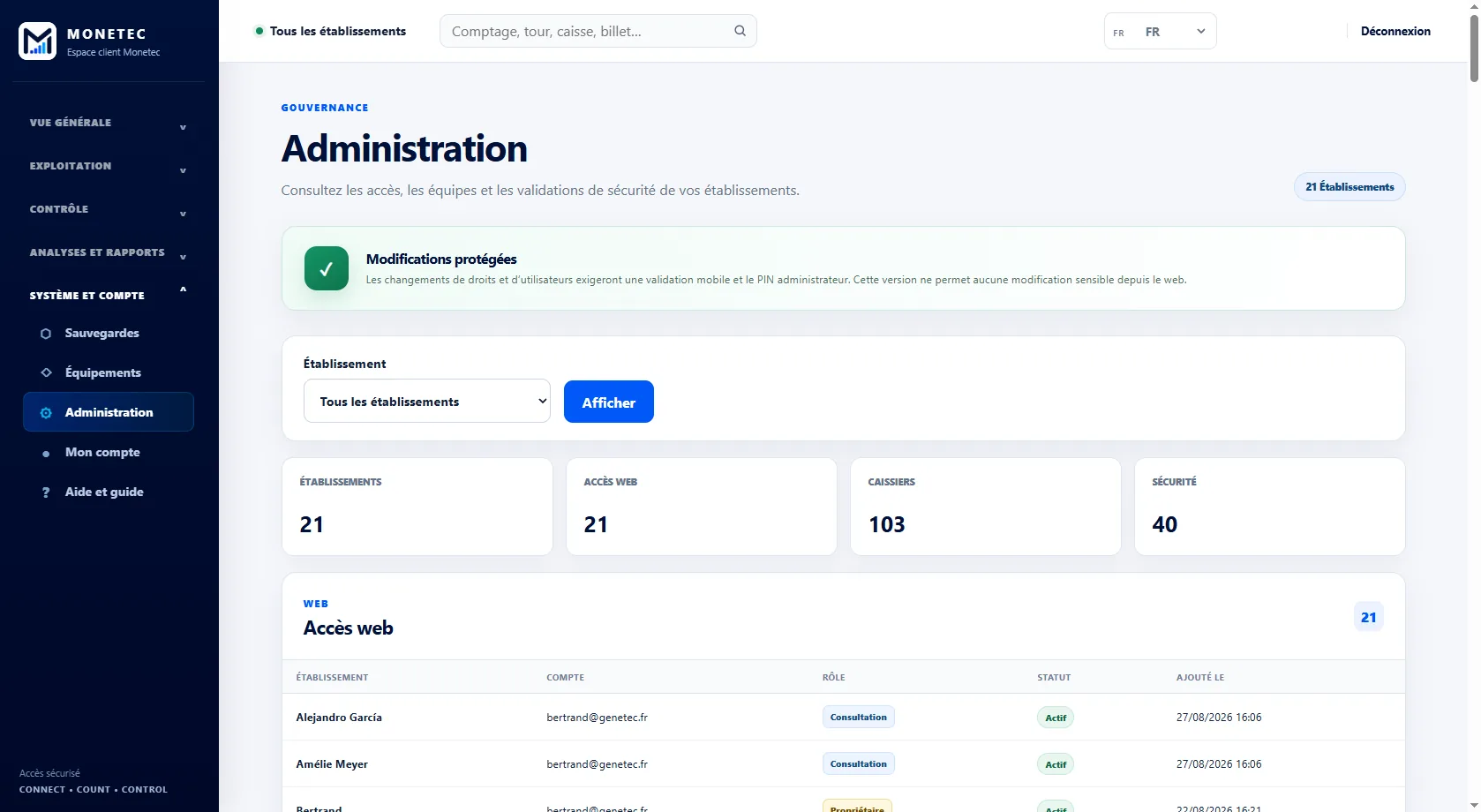
Security at the heart of Monetec Cloud.
Two-factor authentication, approval from the associated device and login history: complementary safeguards for your business.