
WITHOUT DELEGATION
A count under the cashier's identity
If the administrator signs in to a cashier's account, the count appears to have been performed by that cashier. The record alone cannot establish who actually handled the cash.
Does a manager need to step in for a cashier? With delegated counting, Monetec clearly distinguishes the person whose count it is from the person who actually performed it.
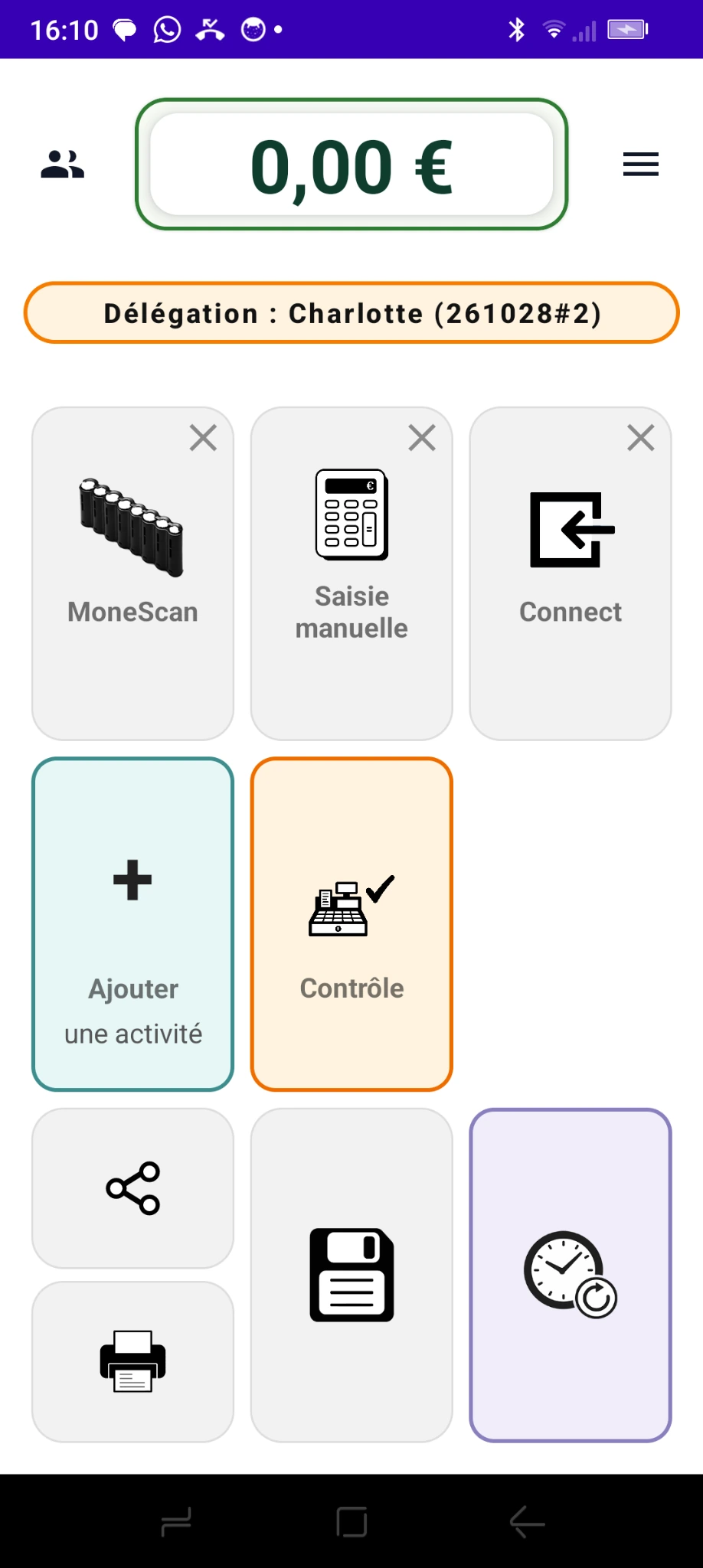
Signing in with a cashier's account may allow the count to be performed, but the record no longer identifies who actually carried it out.
If the administrator signs in to a cashier's account, the count appears to have been performed by that cashier. The record alone cannot establish who actually handled the cash.
The administrator keeps their own identity and selects the relevant cashier. Monetec links the count to that cashier while separately recording which administrator intervened.
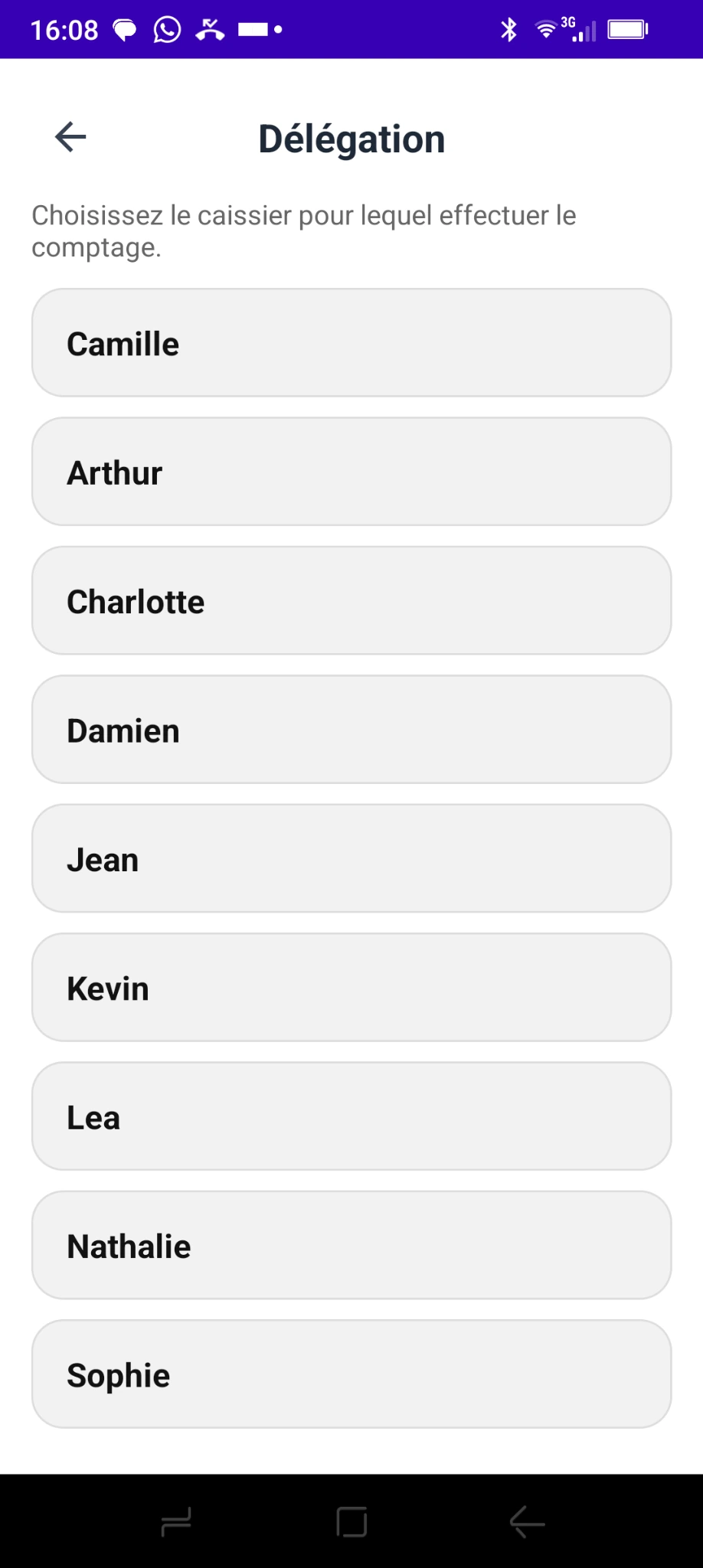
From their account, they open the list of active users and select the colleague for whom the count will be carried out.
If that cashier already has an open count containing data, Monetec can offer to resume it instead of starting over.
The administrator uses Monetec's usual counting features. An orange “Delegation” banner clearly shows the name of the cashier they are working for.
When saving, the details for cashier andoperator are stored separately in the counting data and corresponding exports.
A manager can perform a count when a cashier is absent or unavailable.
If an open count already exists, the administrator can resume it to complete the operation.
The assigned cashier and administrator who performed the count remain separate people in the record.
With Monetec, an administrator can act for the relevant cashier while preserving a record of their own actions. More flexibility without confusion about who actually counted.